
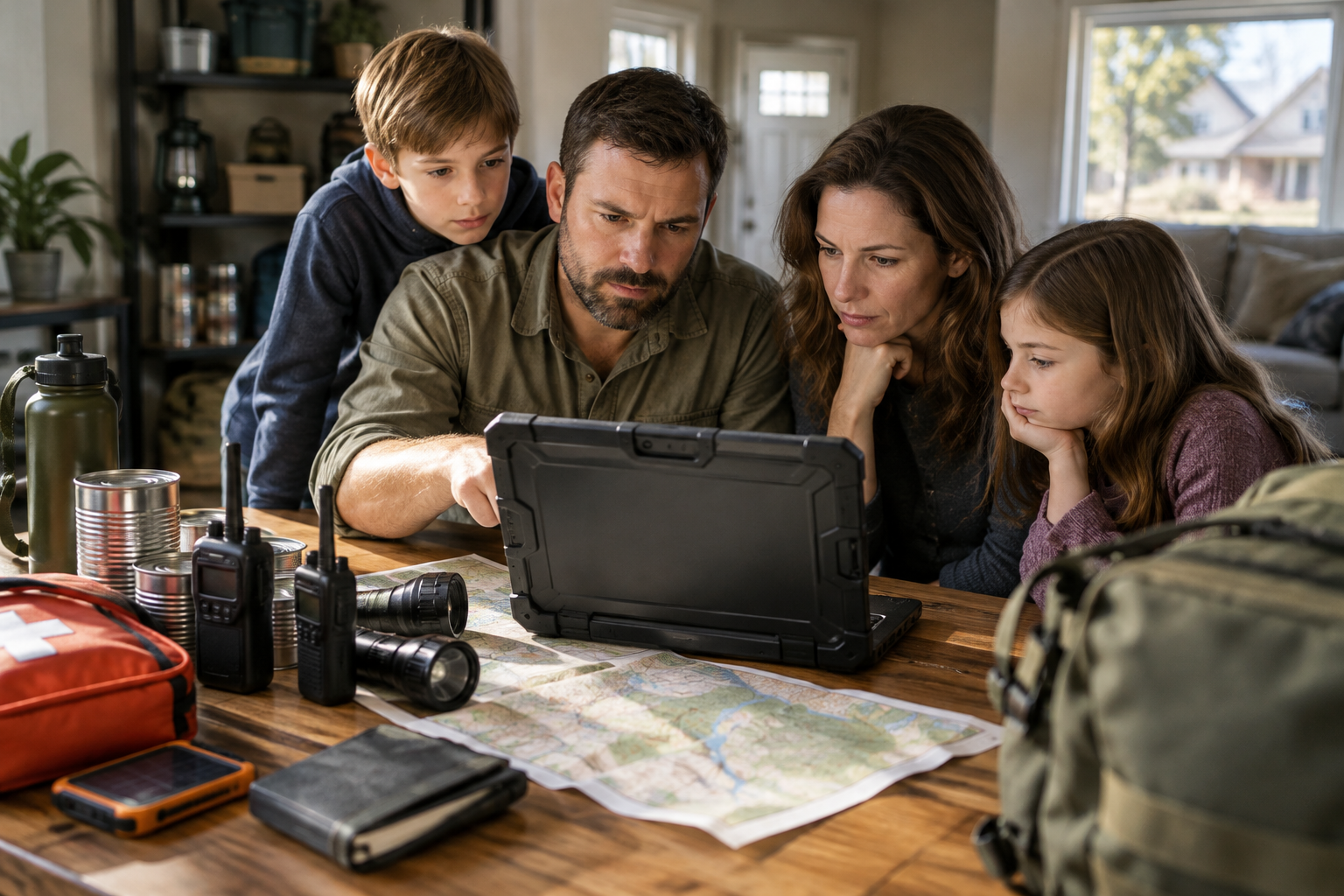
The best offline AI for emergency preparedness combines lightweight, self-hosted large language models with localized offline document databases running on energy-efficient laptop hardware. By storing knowledge repositories locally on encrypted drives, suburban families can query critical first aid, mechanical repair, and survival information without an active internet connection or cellular network.
Can You Run Large Language Models on a Home Laptop Without Internet?
Many modern artificial intelligence models can run locally on standard consumer hardware without requiring any internet connection. Software developers have created quantized versions of large language models that compress complex neural networks so they fit into standard system memory. A standard mid-range laptop equipped with 16 gigabytes of RAM can comfortably host and run lightweight local models. These offline setups process prompts directly on your computer CPU or integrated graphics chip, ensuring full privacy and total immunity from grid outages.
For ai preppers, local execution transforms a standard laptop into an interactive off-grid reference manual. Instead of searching through thousands of web pages or static text documents during a grid disruption, you type a plain language query into your local interface. The model processes the query against its trained parameters or connected local files and provides immediate, context-aware answers. Because the software and model files reside entirely on your internal storage drive, you maintain complete operational capability even during severe telecommunication failures.
Setting up local AI requires initial preparation before an emergency occurs. You download the open-source execution software and model weights while connected to home broadband. Once installed and verified, you can disconnect your hardware from the web entirely.
Offline AI Assistants vs Printed Survival Manuals
A primary question for suburban families is how local AI assistants compare to traditional printed survival manuals. Printed paper manuals represent the gold standard for zero-power reliability. A physical book requires no electricity, suffers no digital file corruption, and remains usable regardless of electromagnetic interference or water damage if stored properly. However, physical libraries take up physical space and searching through dense reference books during a high-stress emergency can take valuable time.
Offline AI tools excel in processing speed and cross-referencing capabilities. When you ask a localized AI model how to treat a specific injury or troubleshoot a portable generator engine, it synthesizes relevant steps into a direct action plan within seconds. This interactive natural language search allows family members to get tailored guidance without memorizing index structures across multiple reference volumes. However, digital systems depend entirely on a reliable source of power, making them a complementary layer rather than a total replacement for physical media.
At Suburban Survival Blog, we recommend a hybrid strategy. Physical binder copies of medical protocols, utility shutoff maps, and local evacuation routes should always form your baseline. Localized digital AI tools serve as a rapid secondary knowledge store, allowing you to quickly query complex technical topics like electrical wiring, water purification chemistry, or specialized crop care when time is critical.
Hardware and Power Requirements for Off-Grid AI Operation
Operating a local artificial intelligence setup during an extended power failure requires careful attention to hardware power consumption. Running large language models taxes computer processors, causing laptop batteries to drain significantly faster than standard word processing. To build a sustainable setup, focus on energy-efficient hardware such as modern laptops featuring specialized neural processing cores, which offer high computational throughput at low electrical wattage.
When assembling your power outage preparedness gear, incorporate portable solar generators and lithium battery banks capable of delivering sustained power. A typical laptop running local AI draws between 45 and 85 watts during active inference processing. Pairing your machine with a 500-watt-hour portable power station and a folding 100-watt solar panel ensures you can recharge the system repeatedly during daylight hours, preserving your digital reference library indefinitely.
In addition to main compute units, store your AI model files and localized document archives across multiple solid-state drives. Solid-state drives draw minimal power compared to mechanical hard drives and resist physical shock. Keeping duplicate drives inside a protective storage case ensures that a single hardware malfunction does not wipe out your entire digital survival database.
Evaluating Options for the Best Offline AI for Emergency Preparedness
Determining the best offline AI for emergency preparedness depends on your technical comfort level, available hardware, and specific family emergency goals. The table below compares the primary approaches to localized off-grid knowledge management.
| Option Category | Best For | Pros | Cons | Cost & Effort Drivers |
|---|---|---|---|---|
| Self-Hosted Local LLMs | Interactive troubleshooting and complex technical advice | Natural language processing; synthesizes complex instructions rapidly | Requires moderate RAM (16GB+); drains laptop battery during processing | Driven by existing laptop hardware capabilities and free open-source software |
| Localized Document Query Systems | Searching specific personal PDF libraries and manuals | Provides exact source citations from pre-loaded survival manuals | Requires initial setup time to index personal document collections | Driven by storage drive capacity and computational indexing effort |
| Standalone Survival AI Device Hardware | Plug-and-play simplicity for non-technical users | Pre-configured setup; low power draw; simple dedicated hardware interface | Limited hardware upgrades; higher initial equipment purchase cost | Driven by specialized handheld or single-board hardware manufacturing costs |
| Offline Static Reference Archives | Zero-AI text search across massive encyclopedia files | Extremely low system resource usage; runs on basic legacy hardware | Lacks conversational synthesis; requires manual text filtering | Driven by basic flash drive storage; negligible financial cost |
Category Breakdown and Best Use Cases
Self-Hosted Local LLMs: Best for families wanting an interactive digital assistant that answers technical questions on demand. Self-hosted language models execute locally using free open-source software packages. Pros include flexible reasoning and quick answers without internet connections. Cons include higher memory requirements and electrical draw during active generation cycles.
Localized Document Query Systems: Best for preppers who already possess a large collection of survival manuals in digital format. These systems link local AI models directly to your pre-loaded PDFs. Pros include absolute accuracy tied strictly to your trusted reference documents. Cons involve the setup effort needed to collect, organize, and index your digital library beforehand.
Standalone Survival AI Device Options: Best for users seeking an all-in-one appliance without manual software configuration. A dedicated survival AI device packages lightweight processing hardware with pre-installed survival databases. Pros include low power consumption and turn-key operation out of the box. Cons include higher upfront hardware costs compared to using an existing home laptop.
Offline Static Reference Archives: Best for backup hardware with minimal processing power, such as older laptops or tablets. Static archives store entire downloadable encyclopedias locally. Pros include near-zero CPU load and instant text lookup. Cons include the lack of intelligent summarization or direct step-by-step guidance.
Integrating Local AI Into Your Family Emergency Plan
Integrating local AI into your household preparedness requires routine practice rather than simple installation. Schedule quarterly checks to boot up your offline laptop, update model software while online, and test off-grid execution while completely disconnected from your home network. Practice prompting the system for specific survival tasks, such as step-by-step instructions for growing your own food, preserving garden harvests, or assembling temporary water filters.
Ensure multiple family members know how to power on the system, load the local interface, and input clear queries. Store written cheat sheets containing system startup commands directly alongside your laptop power cables. If only one person understands how to launch the software, your digital backup becomes useless if that family member is away during an emergency.
Finally, keep your digital infrastructure backed up across redundant storage media. Store one encrypted flash drive containing your software installers and model files in your primary bug-in kit, and keep a second duplicate drive in a secondary secure location.
Practical Limits and Safety Considerations for Local AI
While offline AI tools provide impressive capabilities, users must understand their practical limitations. Artificial intelligence models can occasionally produce incorrect facts or invent detailed instructions that sound plausible but are practically flawed. In critical scenarios involving emergency medicine or structural repairs, never rely solely on an AI output without cross-checking the information against trusted paper manuals or baseline first aid training.
Additionally, recognize that offline models do not possess real-time situation awareness. They cannot predict localized weather changes, active road closures, or real-time event developments. Use local AI strictly as a technical reference library for established skills, repair procedures, and instructional guidance rather than an active tactical monitoring system.
By pairing local AI software with reliable battery storage, physical reference manuals, and practical hands-on training, suburban preppers create a resilient, multi-layered information strategy capable of keeping their families informed through long-term grid disruptions.